Airflow and Action: Jaguar Land Rover’s “Central Nervous System” for Data
4 min read |
At Jaguar Land Rover (JLR), data from plants around the world, including telemetry that arrives in milliseconds from the factory floor, flows through Apache Airflow®. In a recent Data Flowcast episode, Najeeb Sulaiman, Senior Data Engineer at JLR, discusses how Airflow keeps that data moving the business.
Najeeb explains how his team ended stale Tableau dashboards with a custom Airflow provider and how a CI/CD gate keeps broken Dags out of production. Listeners get a reusable pattern for pipeline-aware BI refreshes and a practical set of pre-deployment checks.
Every Range Rover runs on data
JLR designs and builds the Range Rover, Defender, Jaguar, and Discovery brands in plants worldwide and sells them globally. That footprint generates data across manufacturing, finance, supply chain, and commerce. Najeeb works in JLR's Data and Artificial Intelligence Office, which delivers data capabilities to those domains so the business can improve ROI, reduce cost, and improve maintenance.
One orchestrator connects everything
Najeeb calls Airflow "the central nervous system of our data stack." As JLR's main orchestrator, it connects sources, destinations, and third-party systems and automates work that would otherwise need manual intervention. Because every system runs through Airflow, the integrations built on it determine how fresh downstream data is.
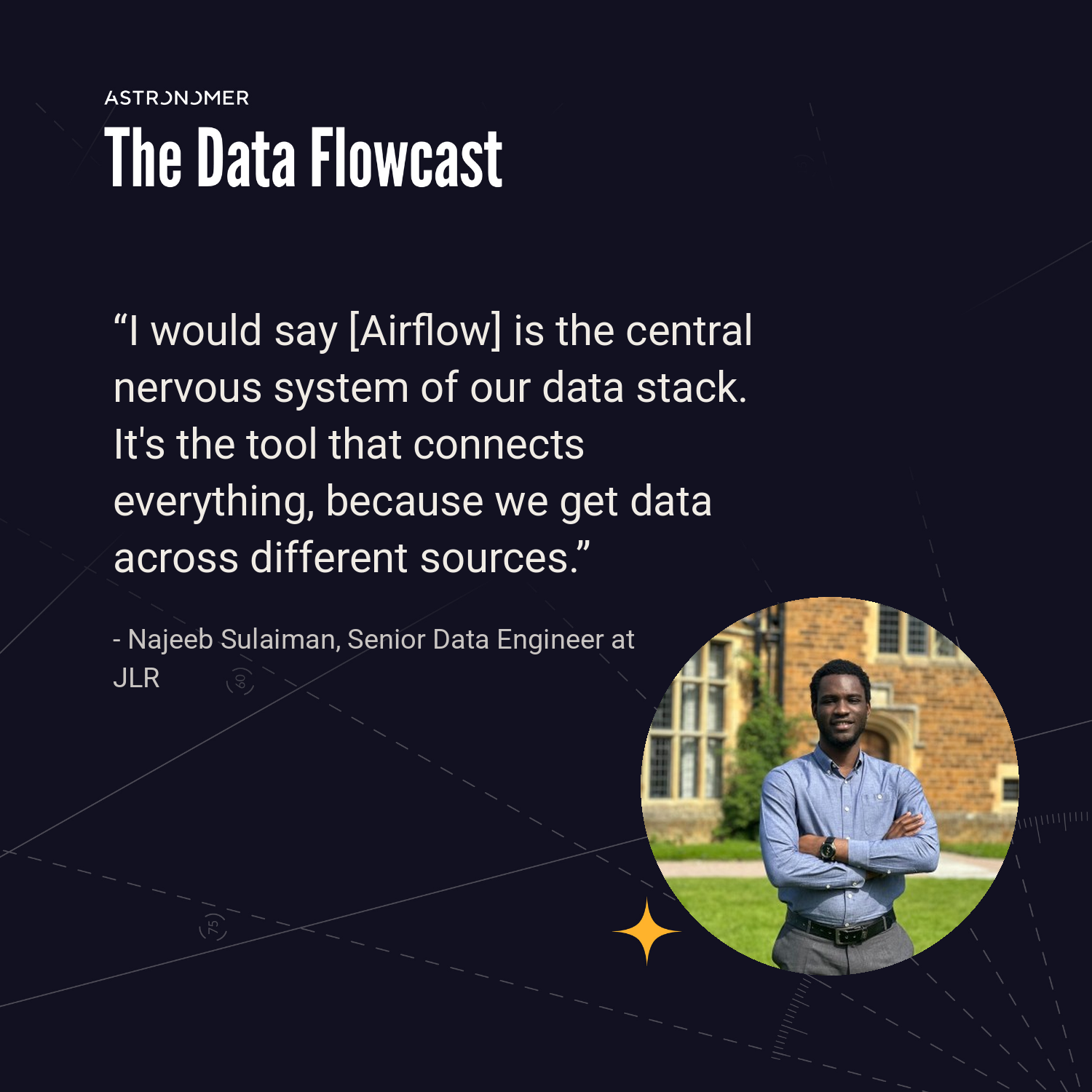
The role of Airflow at JLR: listen to the full Data Flowcast episode
Your dashboard does not know your pipeline exists
JLR relies on Tableau extract refreshes, which pull warehouse data on a fixed schedule. Because Tableau has no awareness of the pipeline feeding it, a scheduled refresh can fail in two ways:
- If the pipeline runs late, a 6 a.m. refresh extracts stale data without warning.
- If the pipeline finishes early, users wait until 6 a.m. for data that has already been processed.
To avoid these scenarios, the team set out to make dashboards refresh the moment the warehouse does.
The first fix was a Python module that called the Tableau REST API, so a dashboard refreshed as soon as its pipeline finished. The challenge was that every project then had to manually copy the code, so teams drifted onto stale versions and maintenance multiplied.
The community Airflow Tableau provider worked until maintainers deprecated personal access token (PAT) authentication, after Tableau Cloud's limit on concurrent connections per PAT generated a stream of user issues. That left username and password, which JLR does not want to use. The team built a custom provider on top of the community code that keeps PAT authentication. Airflow's extensible provider model lets JLR reuse the community's work and replace scattered custom scripts with one maintained integration.
Nothing ships without passing the gate
With many teams shipping pipelines, JLR uses CI/CD as a mandatory gate to production. Dag validation checks for three potential issues:
- Top-level code making external calls, which runs on every scheduler parse and can cause performance issues at scale.
- Import errors, often from packages installed locally but missing in production, which Najeeb names as one of the most common Dag failures.
- Airflow 3 compatibility, so breaking changes from Airflow 2 are caught before they cause import errors
The gate blocks a Dag from production until it passes, so engineers fix problems before downstream users see them.
What Airflow should do next
Najeeb, who also teaches Airflow, wants three things next:
- Native integration testing, because dependency issues often surface only when a pipeline runs in a real environment.
- Mature OpenTelemetry support, because OTel instrumentation still trails the legacy StatsD metrics and forced him to build his own Grafana dashboard.
- Native lineage showing what depends on a Dag, such as which Tableau dashboard a pipeline feeds.
Lessons from JLR
Three patterns from JLR apply to any Airflow team:
- Trigger BI refreshes from the pipeline, not the clock, so dashboards never serve a stale extract.
- Package shared integration logic as an Airflow provider, so every team runs one maintained version.
- Make Dag validation a blocking gate, so breakages are caught in CI instead of in production.
Listen to the full Data Flowcast episode to hear Najeeb walk through the provider build, the validation checks, and his Airflow wishlist.
One item on that wishlist, lineage that shows what depends on your Dags, ships today in Astro Observe, alongside data product SLAs that track freshness. Observe builds lineage automatically from Airflow metadata across Dags, deployments, and warehouse tables, and alerts owners when an upstream failure puts a delivery deadline at risk. Try Astro free and see which downstream assets depend on your pipelines.