

- Single-file methods: One Python file creates many Dags.
- Multiple-file methods: A script writes one Python file per Dag.
- Define Dags in YAML: A Python package or, experimentally, Airflow itself turns YAML files into Dags.
Assumed knowledge
To get the most out of this guide, you should have an understanding of:- Basic Python. See the Python Documentation.
- Airflow Dags. See Introduction to Airflow Dags.
When to dynamically generate Dags
Writing each Dag as a static Python file is the simplest option. Generating Dags can make sense when you want to:- Create a large number of Dags that do similar things, with only a set of parameters changing between them.
- Enable other teams in your organization to write Dags in YAML, even if they don’t know Airflow or Python.
- Standardize your Dags with your preferred defaults and only expose selected parameters.
If you’re looking to programmatically generate Dags because you prefer a different language to Python, check whether a language SDK is available for that language.If you’re looking for standardization, you can also reuse custom operators and custom task group classes across Dags. Blueprint lets you define reusable multi-task templates in Python and use them in YAML.
Single-file methods
One method for dynamically generating Dags is to have a single Python file which generates Dags based on some input parameter(s). For example, a list of APIs or tables. A common use case for this is an ETL or ELT-type pipeline where there are many data sources or destinations. This requires creating many Dags that all follow a similar pattern. Some benefits of the single-file method:- It’s straightforward to implement.
- It can accommodate input parameters from many different sources.
- Your visibility into the code behind any specific Dag is limited because a Dag file isn’t created.
- Generation code is executed every time the Dag is parsed because this method requires a Python file in your Dag bundle. How frequently this occurs is controlled by the
[dag_processor] min_file_process_intervalparameter. This can cause performance issues if the total number of Dags is large, or if the code is connecting to an external system such as a database.
Example: Use a create_dag function
To dynamically create Dags from a file, you need to define a Python function that will generate the Dags based on an input parameter. In this case, you’re going to define a Dag template within a create_dag function. The code here is very similar to what you would use when creating a single Dag, but it is wrapped in a function that allows for custom parameters to be passed in.
In this example, the input parameters can come from any source that the Python script can access. You can then set a simple loop (range(1, 4)) to generate these parameters and create one Dag for each set of parameters:
- TaskFlow
- Traditional
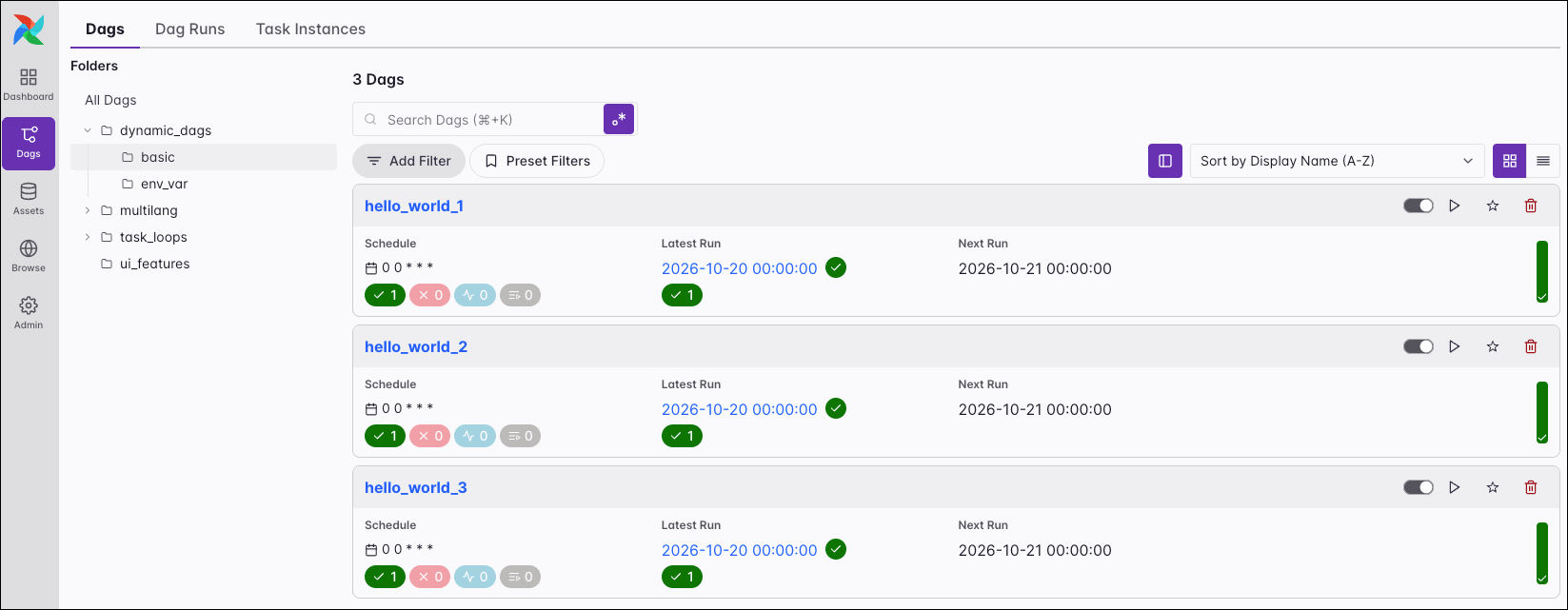
Example: Generate Dags from environment variables
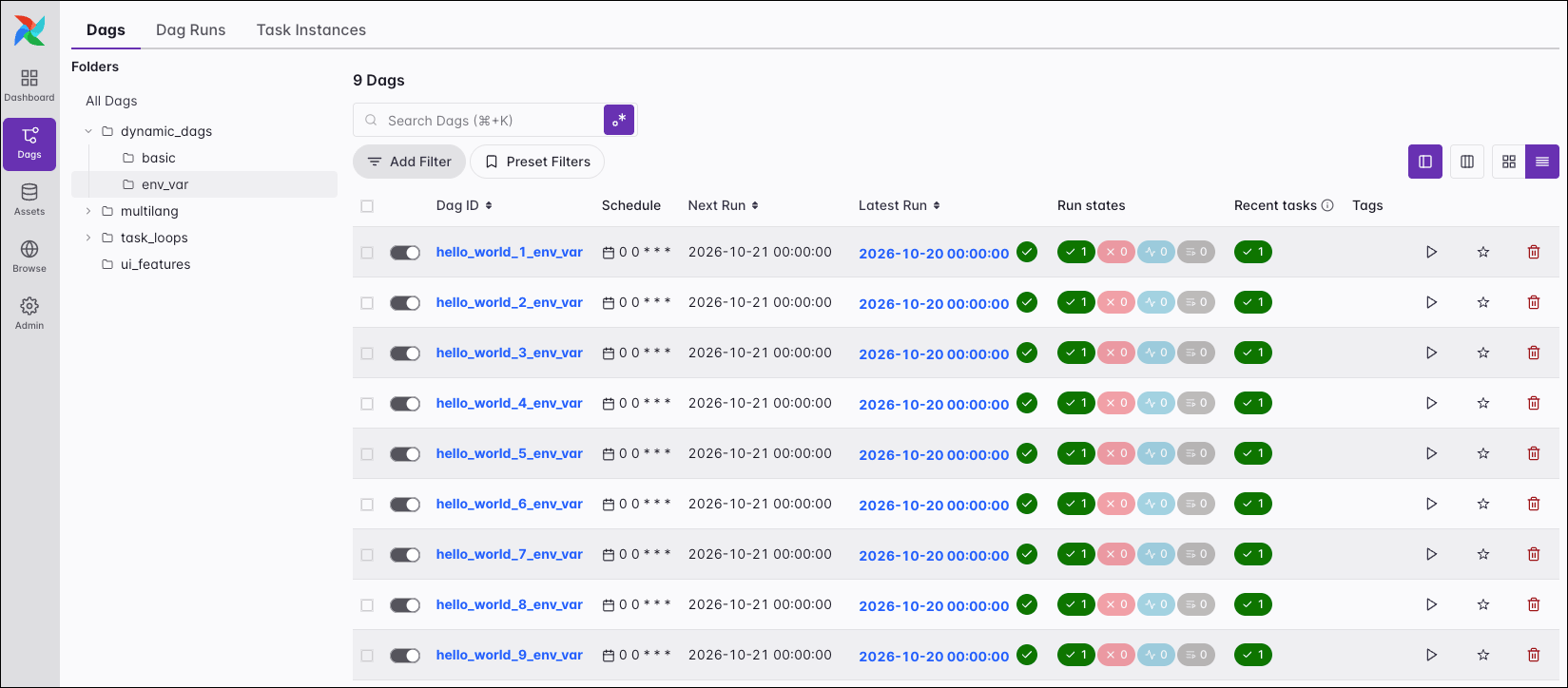
As mentioned previously, the input parameters don’t have to be defined in the Dag file. Another common form of generating Dags is by setting values using environment variables. You can define environment variables locally in the.env file of your Astro project or in the Astro UI for your Astro deployments.
range. The default is set to 3 because you want the interpreter to register this file as valid regardless of whether the variable exists.
- TaskFlow
- Traditional
DYNAMIC_DAG_NUMBER=9, the code above generates the following nine Dags:
Multiple-file methods
Another method for dynamically generating Dags is to use code to generate full Python files for each Dag. The end result of this method is having one Python file per generated Dag in your Dag bundle. One way of implementing this method in production is to have a Python script that generates Dag files when executed as part of a CI/CD workflow. The Dags are generated during the CI/CD build and then deployed to Airflow. Some benefits of this method:- It’s more scalable than single-file methods. Because the Dag files aren’t being generated by parsing code in the Dag bundle, the Dag generation code isn’t executed every time the Dag processor parses the files.
- Since Dag files are being explicitly created before deploying to Airflow, you have full visibility into the Dag code, including from the Code tab in the Airflow UI.
Example: Generate Dags from JSON config files
One way of implementing the multiple-file method is by using a Python script to generate Dag files based on a set of JSON configuration files. To start, you’ll create a Dag ‘template’ file that defines the Dag’s structure. This looks just like a regular Dag file, but specific variables have been added where information is going to be dynamically generated, namelydag_id_to_replace, schedule_to_replace, bash_command_to_replace and env_var_to_replace.
dag-config folder that contains a JSON config file for each Dag. Each config file defines the values for the placeholders in the Dag template file: the Dag ID, schedule, Bash command, and environment variable.
dag-config folder, the script copies the template into your Dag bundle and replaces the placeholders in the copy with the values from the config file.
include directory contains the files from which the Dags are generated, and the dags directory contains the two dynamically generated Dags:
Define Dags in YAML
Instead of directly writing Python code that generates Dags, you can also define Dags in YAML, which an additional Python package or, experimentally, Airflow itself turns into Dags.Airflow 3.4 adds an experimental way to define Dags in YAML without an additional package. See YAML Dags.
Blueprint
Blueprint is an open source package for composing Dags from reusable templates. Data engineers define blueprints, which are multi-task templates, in Python, and other team members combine them into Dags in YAML or in a no-code interface in the Astro IDE. See Blueprint. The following YAML combines two steps that use the samemy_math_etl_blueprint template, defined in Python:
dags/my_math_etl.dag.yaml
DAG Factory
DAG Factory is an open source package that creates Dags from YAML files. Its YAML stays close to Airflow primitives: you set Dag parameters, tasks, operators, and dependencies in YAML. See the DAG Factory tutorial. The following YAML defines a Dag with a task group and four tasks:Scalability
Dynamically generating Dags can cause performance issues when used at scale. Whether or not any particular method will cause problems is dependent on your total number of Dags, your Airflow configuration, and your infrastructure. Methods where code generates Dags every time a file is parsed, such as the single-file method, are more likely to cause performance issues at scale. The following Dag processor settings affect how Airflow handles generated Dags:
For more information, see Fine-tuning your Dag processor performance in the Airflow documentation.