

- How to connect Airflow to Fireworks AI.
- How to run serverless inference with the Common AI provider.
- How to run inference on a dedicated Fireworks AI deployment that scales to zero between Dag runs.
- How to fine-tune a model on Fireworks AI.
Assumed knowledge
To get the most out of this guide, make sure you have an understanding of:- Basic Airflow concepts. See Introduction to Apache Airflow.
- Basic use of the Common AI provider. See Orchestrate AI tasks with Apache Airflow and the Common AI provider.
- Basic AI orchestration concepts. See AI orchestration overview.
Why use Fireworks AI with Airflow?
Using Fireworks AI together with Airflow gives you the following advantages:- Flexible scheduling: Orchestrate any Fireworks AI action on a time-based, data-aware, or event-driven schedule. See Schedule Dags in Airflow.
- Durable execution with Airflow: Fine-tuning jobs often take several hours or longer. When you save the Fireworks AI job ID in the task state store, a task retry reconnects to the running job and doesn’t start a second one. See Durable execution with the task state store.
- Deferrable operators: A deferrable operator defers waiting for a fine-tuning job to the triggerer, which frees the worker slot until the fine-tuning job finishes. See Deferrable operators.
- Setup and teardown tasks: Scale a dedicated deployment up in a setup task and back down in a teardown task. As long as the setup task succeeded, the teardown task runs even when the inference task fails. See Use setup and teardown tasks in Airflow.
- Dynamic task mapping: Run one inference task per file, record, or prompt, with the number of tasks determined at runtime. See Create dynamic Airflow tasks.
- Common AI provider: The Common AI provider includes several operators and decorators (for example,
@task.llmand@task.agent) that call Fireworks AI models and return structured output. This guide uses the Common AI provider to run serverless inference and to run inference on a dedicated deployment. See Common AI provider.
Ways to use Fireworks AI with Airflow
You can use Fireworks AI in Airflow in the following ways:- Call the Fireworks AI REST API or use the Fireworks AI Python SDK in a
@task. This works for every Fireworks AI feature: inference, datasets, fine-tuning jobs, and deployments. To reuse the same logic across Dags, wrap it in a custom operator, which you can make durable, deferrable, or both. - Use the Common AI provider, which is based on PydanticAI, for inference. This works with serverless models and dedicated deployments, for both LLM calls and AI agents.
Connect to Fireworks AI
How you provide your Fireworks AI API key depends on how you call Fireworks AI. The Common AI provider reads the key from an Airflow connection. When you use the Fireworks AI Python SDK or the API in a@task, you can read the key from the same connection or from the FIREWORKS_API_KEY environment variable.
Use a Fireworks AI API key directly
To use the Fireworks AI Python SDK or the API directly in a@task, set your API key and account ID as environment variables.
- Create an API key in the Fireworks AI console.
- Copy your Fireworks AI account ID.
-
If you want to use the Fireworks AI Python SDK, add it to your
requirements.txtfile. -
Set the API key and the account ID as environment variables. If you run Airflow locally with the Astro CLI, add them to your
.envfile. On Astro, set them in the Astro Environment Manager.
Use the Common AI provider
The Common AI provider reads your API key and a default model from an Airflow connection of thepydanticai type.
-
Add the Common AI provider with the
openaiextra to yourrequirements.txtfile. The Common AI provider uses PydanticAI to call models, and the Fireworks AI integration in PydanticAI uses the OpenAI client. -
Add the connection and your Fireworks AI account ID to your
.envfile. Use thepydanticaiconnection type, your Fireworks AI API key as the password, and a default model in theextrafield in the formatfireworks:<model>.
PydanticAI sends requests for models with the
fireworks: prefix to https://api.fireworks.ai/inference/v1, so you don’t need to set a host. You can override the default model on each task with the model_id parameter.Run serverless inference
Serverless models run on infrastructure that Fireworks AI shares between customers. See the Fireworks AI model library for all available models.LLM orchestration
The following Dag retrieves the user prompt with an upstream task, passes it to Fireworks AI, and returns the LLM output as a structured summary, which the downstream task prints.- Common AI provider
- Fireworks AI Python SDK
-
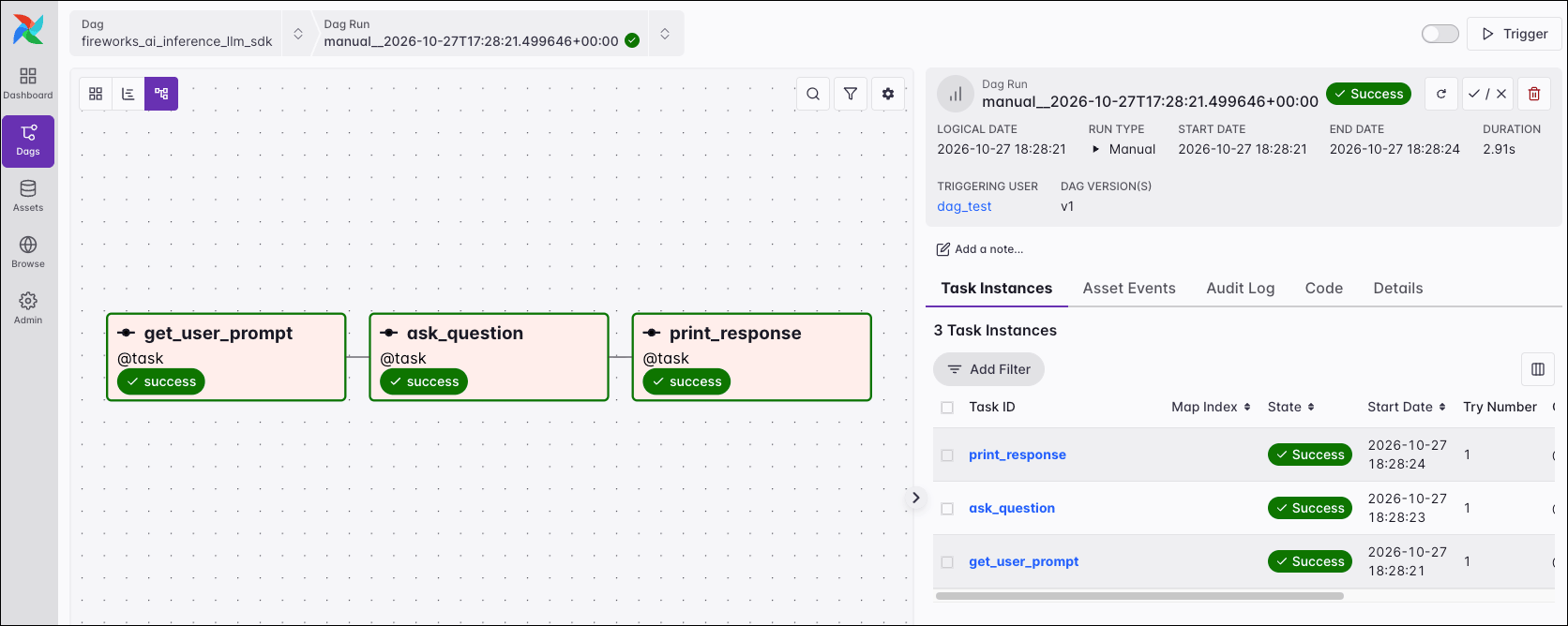
get_user_prompt: Returns the user prompt. You can use any Python code to retrieve the prompt from any location. -
ask_question: Uses@task.llmto send the prompt and a system prompt togpt-oss-120bthrough thefireworks_defaultconnection. The task returns the model response as aToolSummaryobject. -
print_response: Prints the name and summary from the model response. Airflow lets you use the model output in downstream tasks, for example to route data to different branches, classify records, or write the results to a database.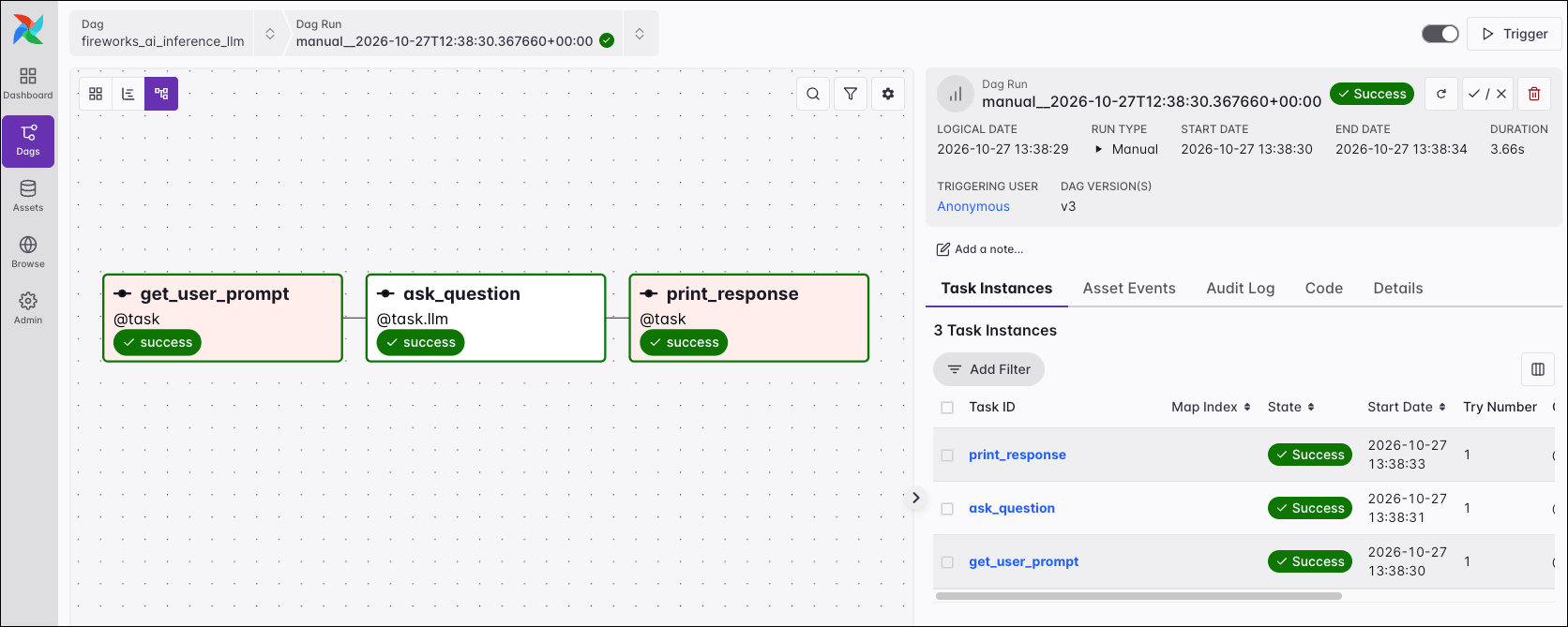
Agent orchestration
The following Dag retrieves the user prompt with an upstream task, passes it to an AI agent that runs on Fireworks AI, and returns the agent output as a structured result, which the downstream task prints. Agents can be given access to tools. Any Python function can be run as a tool by an agent.- Common AI provider
- Fireworks AI Python SDK
-
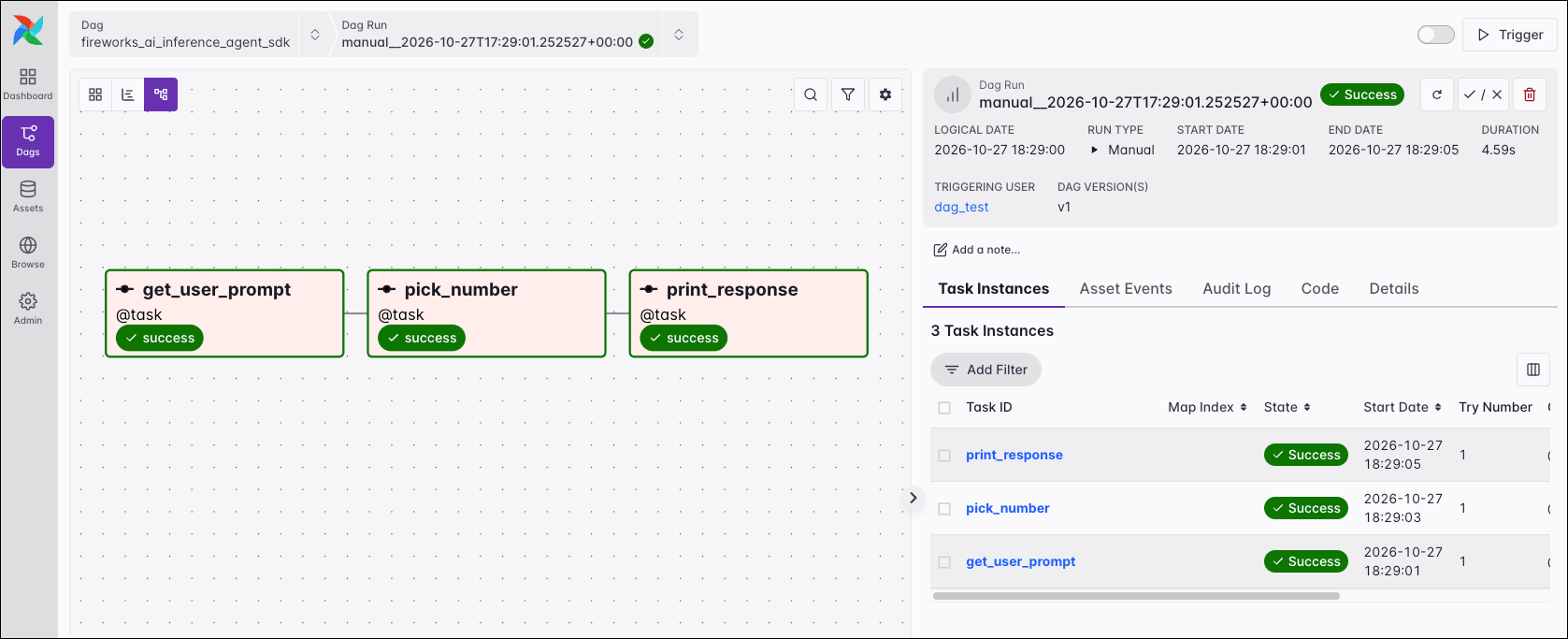
get_user_prompt: Returns the user prompt. You can use any Python code to retrieve the prompt from any location. -
pick_number: Uses@task.agentto run an agent that usesgpt-oss-120b. Theget_random_numberfunction is passed to the agent in aFunctionToolsetwith thetoolsetsparameter. See Toolsets for more information. The task returns the agent output as aRandomNumberResultobject. -
print_response: Prints the number and whether it’s prime. Airflow lets you use the agent output in downstream tasks, for example to route data to different branches, classify records, or write the results to a database.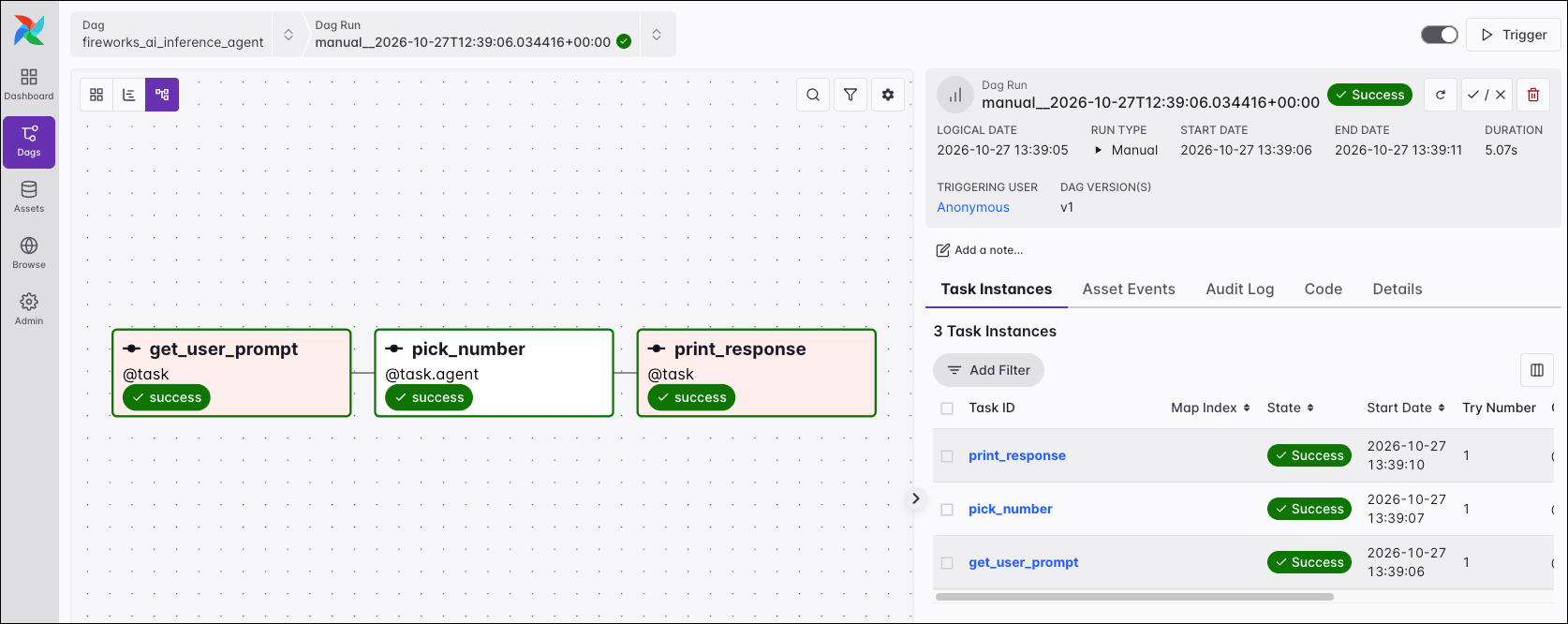
Run inference on a dedicated deployment
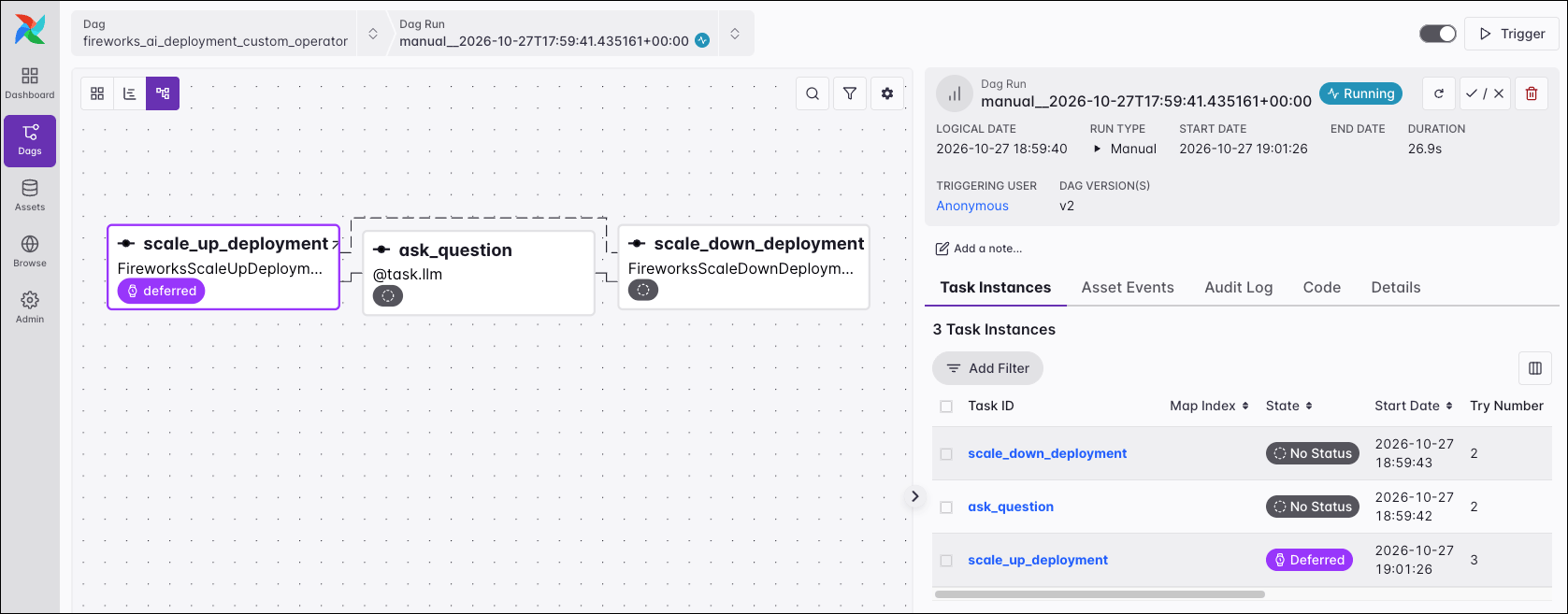
A dedicated deployment runs a model on GPU capacity reserved for your Fireworks AI account. The following Dag scales a dedicated deployment up to one replica, runs inference on it, and scales the deployment back down to zero replicas at the end of the Dag run, even if inference fails. If the deployment doesn’t exist yet, the Dag creates it.- @task
- Custom operator
scale_up_deployment: A setup task that scales the deployment inDEPLOYMENT_IDup to one replica. If the deployment doesn’t exist yet, the task creates it.wait_for_replica: A sensor inreschedulemode that checks the deployment every 30 seconds until a replica is ready.ask_question: Uses@task.llmto send a prompt to the deployment.scale_down_deployment: A teardown task that scales the deployment to zero replicas, even ifask_questionfails.
If the teardown task doesn’t run, Fireworks AI scales a deployment with a minimum of zero replicas down to zero after it receives no requests for the duration in
scale_to_zero_window. The value must be at least 5 minutes, and the default is 1 hour.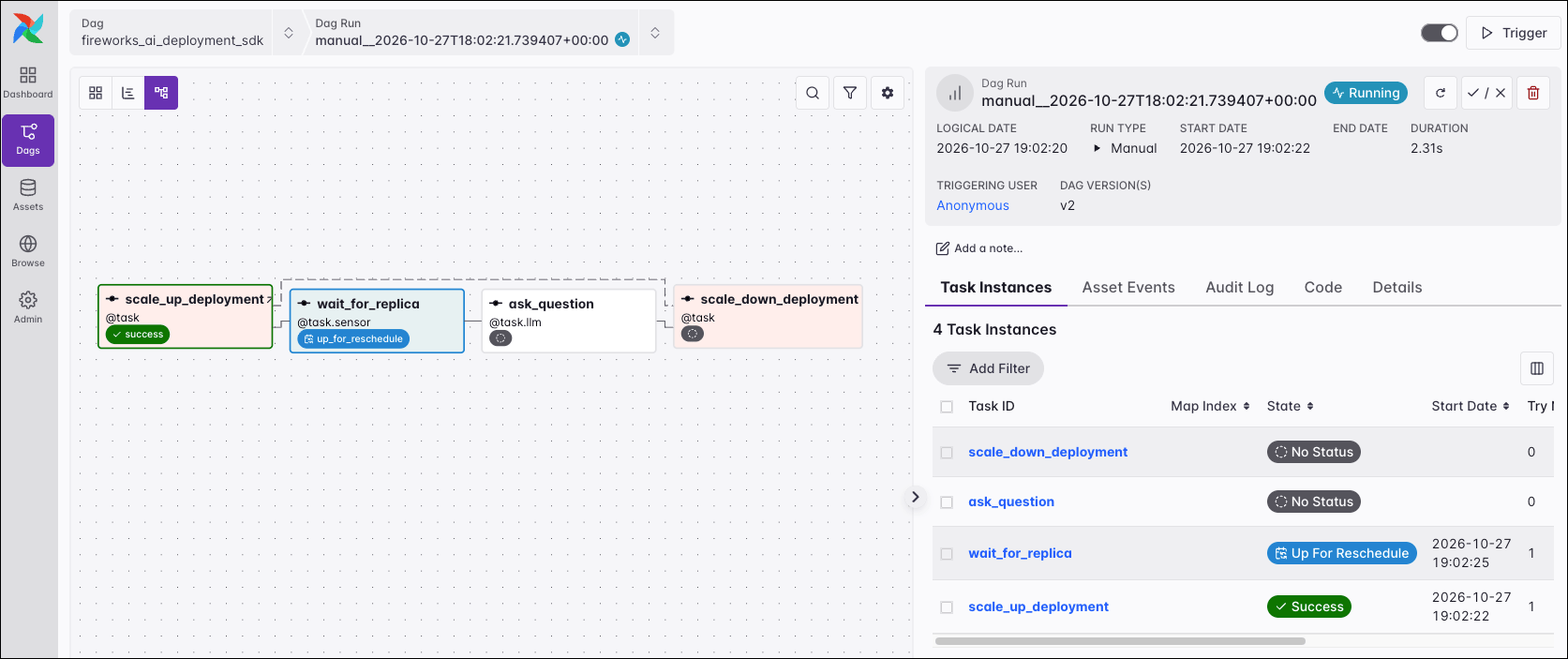
Fine-tune a model
Supervised fine-tuning on Fireworks AI takes a dataset in your account and a base model, and creates a new model in your account. A fine-tuning run in Airflow has three steps:- Upload the training data to Fireworks AI as a dataset.
- Start a fine-tuning job.
- Wait for the job to finish and save the name of the fine-tuned model, so that other tasks can use it, for example for inference.
Data import and export
Fireworks AI stores training data as datasets in your account. Fine-tuning jobs for chat models expect a JSONL file with one conversation per line, in the OpenAI chat format.Training data can include images as well as text. Fireworks AI expects each image as a base64-encoded data URI in a user message. See Vision training in the Fireworks AI documentation.
upload_training_data task returns the dataset name, which a fine-tuning task can use as input.
To export a dataset, for example to archive the exact training data of a model or to copy it to object storage, request signed download URLs with the SDK and download each file. The following Dag downloads one dataset to the include folder:
To export a dataset, you request signed download URLs for its files from Fireworks AI. The signed URLs expire, see Get Dataset Download Endpoint in the Fireworks AI documentation. Astronomer recommends requesting the signed URLs and downloading the files in the same Dag run.
Start the fine-tuning job and wait for it to finish
The following code starts a fine-tuning job on Fireworks AI and waits for it to finish.- @task
- Custom operator
start_fine_tuning_job: A durable task that starts the job and saves the job ID in the task state store. If the task fails after the job started and Airflow retries it, the retry reads the job ID and reuses the job, unless the job already failed, was cancelled, or expired.wait_for_fine_tuning_job: A sensor inreschedulemode, which releases the worker slot between checks. It fails if the job fails and returns the job as a dictionary when the job is complete.